
Building PaperVizAgent Using Rustic AI: A Step-by-Step Guild Definition Guide
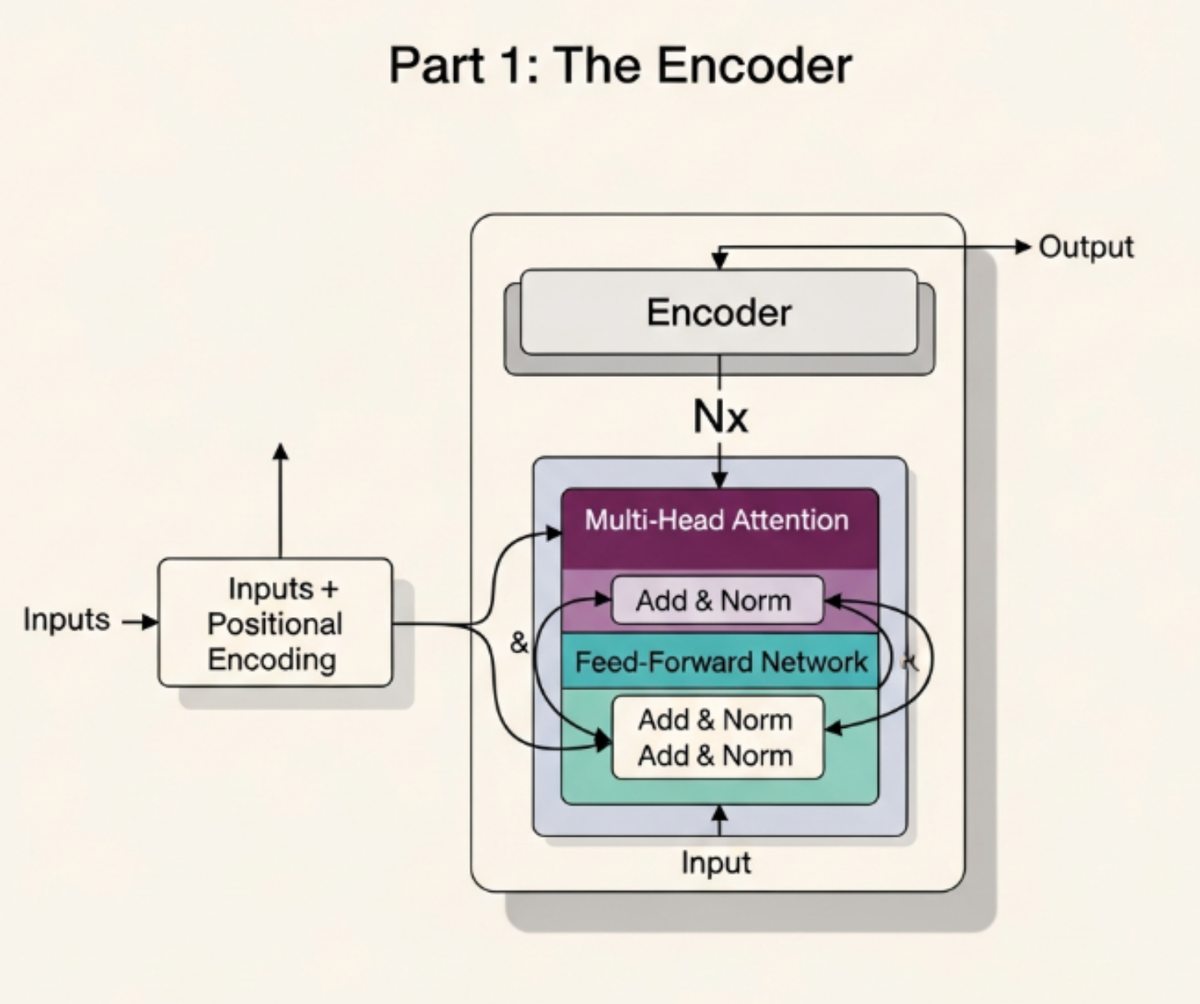
This post walks through building PaperVizAgent (formerly PaperBanana) - an agentic system for automated generation of publication-ready academic illustrations. We'll break down each component of a Guild definition, making this both a feature showcase and a quickstart guide for developers.
Full Implementation: View the complete paper_banana_guild.json in the repository.
Quick demo of the final guild:
What We're Building
PaperVizAgent is a multi-agent workflow that:
- Indexes uploaded research papers/references
- Retrieves relevant context for illustration requests
- Plans the illustration content and structure
- Styles the plan into a visual design guide
- Generates the image using Vertex AI Imagen
- Critiques the output and iterates if needed
Thinking About Agent Design
Before diving into code, the most important step is deciding what agents you need. This requires thinking about your workflow as a series of distinct responsibilities.
How to Decide on Agents
Ask yourself these questions:
- What are the distinct capabilities needed?
- Document indexing/retrieval (knowledge management)
- Content planning (reasoning about what to illustrate)
- Style translation (converting plans to visual prompts)
- Image generation (calling an image model)
- Quality assurance (critiquing output)
- Where are the natural boundaries?
- Each agent should have a single responsibility
- If an agent is doing two unrelated things, split it
- If two agents always work together with no independent use, consider merging
- What models/tools does each capability need?
- Retriever needs: embeddings, vector store, chunking
- Planner/Stylist/Critic need: LLM (can share the same model)
- Visualizer needs: image generation model
- What's the data flow between them?
- User query -> Retriever -> Planner -> Stylist -> Visualizer -> Critic -> (loop or output)
For PaperVizAgent, this analysis yields 5 agents:
| Agent | Responsibility | Why Separate? |
|---|---|---|
| Retriever | Index docs, search context | Specialized knowledge management, different dependencies |
| Planner | Decide what to illustrate | Distinct reasoning task, could be swapped for different planning strategies |
| Stylist | Convert plan to visual prompt | Separates "what" from "how it looks", enables style customization |
| Visualizer | Generate image | Different model type entirely (image vs text) |
| Critic | Quality check | Enables iteration loop, could be disabled for faster output |
Learn more: See the Agents documentation for core concepts and the Creating Your First Agent guide.
1. Defining Your Agents
A Guild is a collection of collaborating agents. Each agent is defined declaratively using an AgentSpec. Let's look at the agents in PaperVizAgent:
The Knowledge Agent (Retriever)
{
    "id": "retriever_agent",
    "name": "Retriever",
    "description": "Indexes references and retrieves relevant context.",
    "class_name": "rustic_ai.core.agents.indexing.knowledge_agent.KnowledgeAgent",
    "additional_topics": ["RETRIEVER_SEARCH", "RETRIEVER_INDEX"],
    "properties": {
        "search_defaults": {
            "limit": 5,
            "hybrid": { "dense_weight": 0.5, "sparse_weight": 0.5 }
        },
        "chunking": { "chunk_size": 1000, "chunk_overlap": 100 },
        "embedder": { "dimension": 768 }
    }
}
View in repo | KnowledgeAgent docs
The LLM Agents (Planner, Stylist, Critic)
The LLMAgent is a powerful, model-agnostic agent that works with any LLM provider via LiteLLM:
{
    "id": "planner_agent",
    "name": "Planner",
    "description": "Plans the content and structure of the illustration.",
    "class_name": "rustic_ai.llm_agent.llm_agent.LLMAgent",
    "additional_topics": ["PLANNER"],
    "listen_to_default_topic": false,
    "properties": {
        "model": "vertex_ai/gemini-3-pro-preview",
        "default_system_prompt": "You are the Planner Agent for PaperBanana..."
    }
}
View Planner in repo | View Stylist | View Critic
Switching Models is Trivial - just change the model property:
"model": "gpt-4o"                      // OpenAI
"model": "vertex_ai/claude-3-5-sonnet" // Anthropic via Vertex
"model": "azure/gpt-4"                 // Azure OpenAI
"model": "anthropic/claude-3-opus"     // Direct Anthropic
The Image Generation Agent (Visualizer)
{
    "id": "visualizer_agent",
    "name": "Visualizer",
    "description": "Generates the illustration using Vertex AI Imagen.",
    "class_name": "rustic_ai.vertexai.agents.image_generation.VertexAiImagenAgent",
    "additional_topics": ["VISUALIZER"],
    "listen_to_default_topic": false,
    "properties": {
        "model_id": "imagen-4.0-generate-001"
    }
}
View in repo
2. Understanding Routes in Event-Based Architecture
Rustic AI uses an event-driven, message-based architecture. Agents don't call each other directly - they publish messages to topics, and routes determine where those messages go next.
Deep dive: See the documentation on Messaging and Routing Patterns.
Why Event-Based?
- Decoupling: Agents don't need to know about each other - they just produce and consume messages
- Flexibility: Change routing without changing agent code
- Observability: Every message is traceable through the system
- Scalability: Agents can run in separate processes/machines
How to Think About Routes
Routes answer the question: "When agent X produces message type Y, what should happen next?"
Think of routes as reactive rules:
WHEN [agent/method] produces [message type]
THEN transform into [message type] AND send to [destination]
For PaperVizAgent, the routing flow is:
User Message
    |
    v
[Route 1: Content Router] -- file upload? --> RETRIEVER_INDEX
                          -- text query?  --> RETRIEVER_SEARCH
    |
    v
[Route 2: After Index] --> Notify user "Indexed N files"
    |
[Route 3: After Search] --> PLANNER (with context)
    |
    v
[Route 4: After Plan] --> STYLIST
    |
    v
[Route 5: After Style] --> VISUALIZER
    |
    v
[Route 6: After Image] --> CRITIC (for review)
                       --> User (show image)
    |
    v
[Route 7: After Critique] -- approved? --> User
                          -- rejected? --> STYLIST (iterate)
Anatomy of a Route Step
{
    "agent_type": "rustic_ai.core.agents.utils.user_proxy_agent.UserProxyAgent",
    "method_name": "unwrap_and_forward_message",
    "message_format": "rustic_ai.core.guild.agent_ext.depends.llm.models.ChatCompletionRequest",
    "transformer": { ... },
    "route_times": -1,
    "process_status": "completed",
    "destination": { "topics": "user_message_broadcast" }
}
| Field | Purpose |
|---|---|
agent or agent_type |
Which agent's output triggers this rule (by name/id or class) |
method_name |
(Optional) Specific method that produced the message |
message_format |
The Pydantic model type to match |
transformer |
How to transform the message before forwarding |
destination |
Where to send the transformed message |
route_times |
How many times this rule can fire (-1 = unlimited) |
process_status |
Mark the processing status (e.g., "completed") |
View all routes in repo
3. Transforms: The Power of JSONata
Transforms are the glue between agents. They reshape messages from one agent's output format into another agent's expected input format.
Deep dive: See the Transformation Patterns documentation.
Why Transforms Matter
Without transforms, you'd need:
- Agents to know about each other's formats
- Glue code between every pair of agents
- Code changes for every routing modification
With transforms, routing is purely declarative - defined in JSON, not code.
Transform Styles
Rustic AI supports two transform styles:
| Style | Use Case | Modifies |
|---|---|---|
| Functional Transformer | Dynamic routing + payload changes | topics, payload, format, context |
| Payload Transformer | Simple format conversion | payload only |
PaperVizAgent uses content_based_router (functional) for all transforms because routes depend on message content.
Example 1: Content-Based Routing (Entry Point)
This transformer inspects the user's message and routes it appropriately:
{
    "style": "content_based_router",
    "handler": "($content := $.payload.messages[0].content; $is_array := $type($content) = 'array'; $files := $is_array ? $content[type='file_url'] : []; $text := $is_array ? $content[type='text'][0].text : $content; $is_file_upload := $count($files) > 0; $ToRetrieverIndex := function(){ {'topics': 'RETRIEVER_INDEX', 'format': '...IndexMediaLinks', 'payload': {'media': [...]}} }; $ToRetrieverSearch := function(){ {'topics': 'RETRIEVER_SEARCH', 'format': '...KBSearchRequest', 'payload': {'text': $text, 'limit': 3}} }; $is_file_upload ? $ToRetrieverIndex() : $ToRetrieverSearch())"
}
View in repo
What this does:
- Extracts content from the incoming message
- Checks if it contains file uploads
- Routes to
RETRIEVER_INDEXfor files,RETRIEVER_SEARCHfor text queries
Breaking down the JSONata:
// 1. Extract content (could be string or array of content parts)
$content := $.payload.messages[0].content;
$is_array := $type($content) = 'array';

// 2. Extract files and text separately
$files := $is_array ? $content[type='file_url'] : [];
$text := $is_array ? $content[type='text'][0].text : $content;

// 3. Decide routing based on content type
$is_file_upload := $count($files) > 0;

// 4. Define output functions for each case
$ToRetrieverIndex := function(){ ... };
$ToRetrieverSearch := function(){ ... };

// 5. Route conditionally
$is_file_upload ? $ToRetrieverIndex() : $ToRetrieverSearch()
Example 2: Simple Pipeline (Planner to Stylist)
{
    "style": "content_based_router",
    "handler": "({'topics': 'STYLIST', 'format': 'rustic_ai.core.guild.agent_ext.depends.llm.models.ChatCompletionRequest', 'payload': {'messages': [{'role': 'user', 'content': $.payload.choices[0].message.content}]}})"
}
View in repo
What this does:
- Extracts the Planner's LLM response (
$.payload.choices[0].message.content) - Wraps it in a new
ChatCompletionRequestformat - Routes to the
STYLISTtopic
Example 3: Context Preservation (Retriever to Planner)
{
    "handler": "({'topics': 'PLANNER', 'format': '...ChatCompletionRequest', 'context': {'user_query': $.payload.query_text}, 'payload': {'messages': [{'role': 'user', 'content': 'User Query: ' & $.payload.query_text & '\\n\\nContext:\\n' & $string($.payload.results)}]}})"
}
View in repo
Key feature: The context field preserves the original user query for downstream agents, accessible via $.context.user_query in later transforms.
Example 4: Conditional Routing (Critic Feedback Loop)
{
    "handler": "($content := $.payload.choices[0].message.content; $is_approved := $contains($content, 'APPROVE'); $ToUser := function(){ {'topics': 'user_message_broadcast', ...} }; $ToStylist := function(){ {'topics': 'STYLIST', 'payload': {'messages': [{'role': 'user', 'content': 'The previous image was rejected. Critique: ' & $content & '. Please refine the prompt.'}]}} }; $is_approved ? $ToUser() : $ToStylist())"
}
View in repo
This implements a feedback loop:
- If Critic says "APPROVE" -> send to user
- Otherwise -> send feedback back to Stylist for refinement
Transform Building Blocks (JSONata)
| Operation | Syntax | Example |
|---|---|---|
| Variable assignment | $var := expr |
$total := $sum(items.price) |
| Ternary | cond ? a : b |
$priority > 5 ? 'high' : 'normal' |
| Object literal | {'key': value} |
{'topics': 'OUTPUT', 'payload': {...}} |
| String concat | a & b |
'Hello ' & $.name |
| Array filter | arr[predicate] |
$content[type='file_url'] |
| Functions | function(){ expr } |
$Route := function(){ {...} } |
4. Dependencies
Dependencies provide shared resources to agents via dependency injection. Define them at the guild level:
"dependency_map": {
    "filesystem": {
        "class_name": "rustic_ai.core.guild.agent_ext.depends.filesystem.FileSystemResolver",
        "properties": {
            "path_base": "/tmp/PaperVizAgent_data",
            "protocol": "file",
            "storage_options": { "auto_mkdir": true },
            "asynchronous": true
        },
        "scope": "guild"
    },
    "kb_backend": {
        "class_name": "rustic_ai.core.knowledgebase.kbindex_backend_memory.InMemoryKBIndexBackendResolver",
        "properties": {},
        "scope": "guild"
    },
    "llm": {
        "class_name": "rustic_ai.litellm.agent_ext.llm.LiteLLMResolver",
        "properties": {
            "model": "vertex_ai/gemini-3-pro-preview"
        }
    }
}
View in repo | Dependencies documentation
Scope Options:
agent(default): One instance per agentguild: Shared instance across all agents in the guildorg: Shared across all guilds in an organization
Complete Guild Structure
{
    "name": "PaperBanana",
    "description": "Automated generation of publication-ready academic illustrations",
    "spec": {
        "name": "PaperBanana",
        "agents": [ /* 5 agents */ ],
        "dependency_map": { /* 3 dependencies */ },
        "routes": {
            "steps": [ /* 8 routing rules */ ]
        }
    }
}
View complete implementation
Summary
| Component | What It Does | Documentation |
|---|---|---|
| Agents | Define individual AI workers with specific roles | Agents |
| LLMAgent | Model-agnostic LLM integration (swap models via config) | LLMAgent |
| Routes | Declarative workflow definition between agents | Routing patterns |
| Transformers | JSONata expressions for message transformation & routing | Transformation patterns |
| Dependencies | Shared resources (LLM, storage, databases) via DI | Dependency injection |
PaperVizAgent demonstrates the power of declarative agent orchestration - complex multi-step AI workflows defined entirely in configuration, with no glue code required.
Further Reading
- Architecture Overview - Understand the overall system design
- Creating a Guild - Step-by-step guild creation guide
- Messaging System - Deep dive into event-based communication
- Guild-to-Guild Communication - For microservice architectures
- Testing Agents - How to test your multi-agent systems